Reverse Holo vs Holo Pokémon Cards: Identify the Finish Before Filing
Compare holo and reverse-holo finishes with set-aware examples, careful photo checks, and an editable collection record.
By Folidx Team
To compare reverse holo vs holo, look at where the foil appears. On ordinary framed Pokémon cards, a regular holo has foil in the artwork window; a reverse holo has foil around that window while the artwork itself stays non-holographic. CGC's side-by-side Ninetales examples show this distinction.
Use that as a first check, then confirm the expansion and its finish options. Full-art cards and older print treatments need set-specific checks. Shine alone is not an authenticity test, and a matching name and number are not enough reason to merge two collection records.
Holo and reverse holo at a glance
For the ordinary framed layout, compare the artwork window with the card body around it:
| What to compare | Regular holo | Reverse holo |
|---|---|---|
| Artwork window | Shows the holographic effect | Artwork stays non-holographic |
| Surrounding card body | Outside the art-window foil area | Shows the foil effect around the artwork |
| Before filing | Match the card to its expansion and finish option | Match the card to its expansion and parallel-finish option |
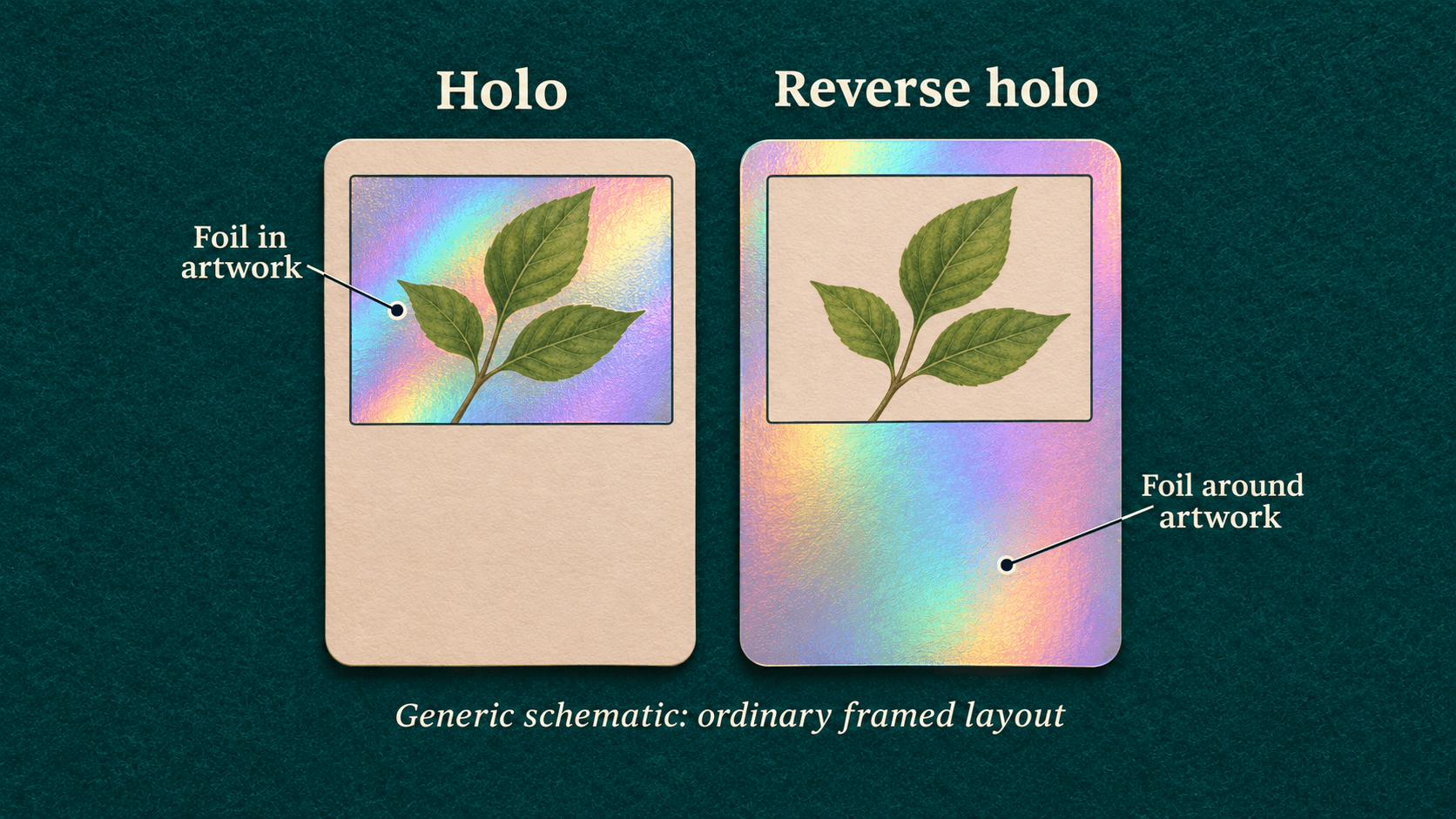
Illustrative foil-area schematic for ordinary framed layouts. These generic samples are not real Pokémon cards or an authenticity test.
The first two rows summarize CGC's framed-card comparison. They are a viewing aid, not a universal rule for every Pokémon card. Do not decide by which copy looks brighter in one photograph.
Check the expansion and the actual foil area
Start with the card's expansion and printed collector number. Open the official English checklist for that expansion, then read its legend before marking a finish.
For example, the official Sword & Shield: Lost Origin checklist distinguishes standard set, standard set foil, and parallel set with different checkbox colors. It lists rarity marks in a separate part of the legend. For Vileplume, entry 003, the row has a red standard-set-foil box and a blue parallel-set box.
A finish describes the foil treatment you are checking. The printed rarity symbol is a separate detail: CGC's Ninetales examples share a name, rarity symbol, and set number while showing different finishes. So record both observations rather than asking the symbol to identify the foil. See CGC's comparison.
Check the card before filing:
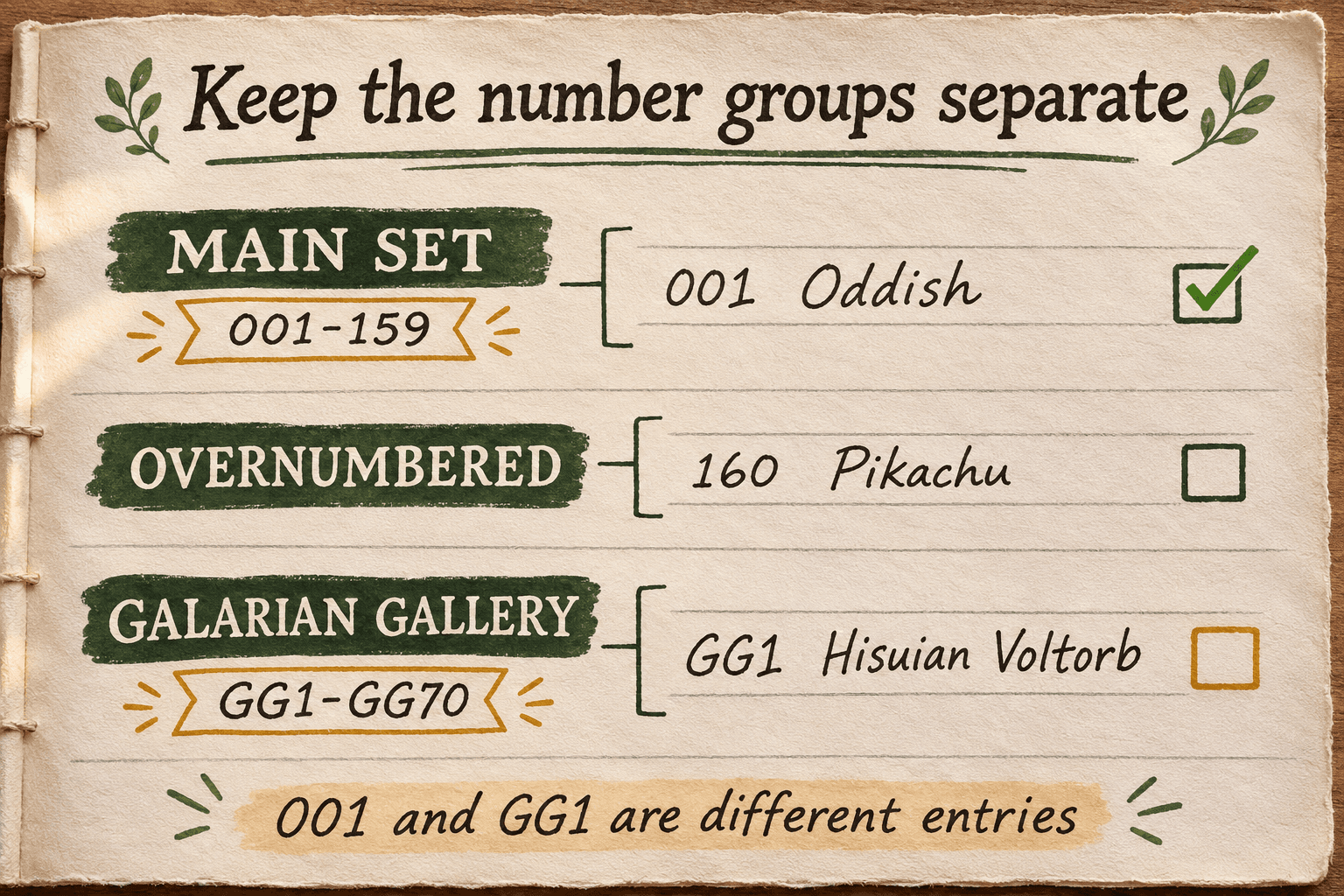
- Match the expansion, language, printed number, and card name.
- Read the finish boxes available on that exact checklist row. Do not assume each card has every option.
- Compare the physical artwork window and surrounding body as you change the viewing angle.
- Write down the observed finish and the checklist you used. If they do not agree, leave the finish unknown and keep the photos for review.
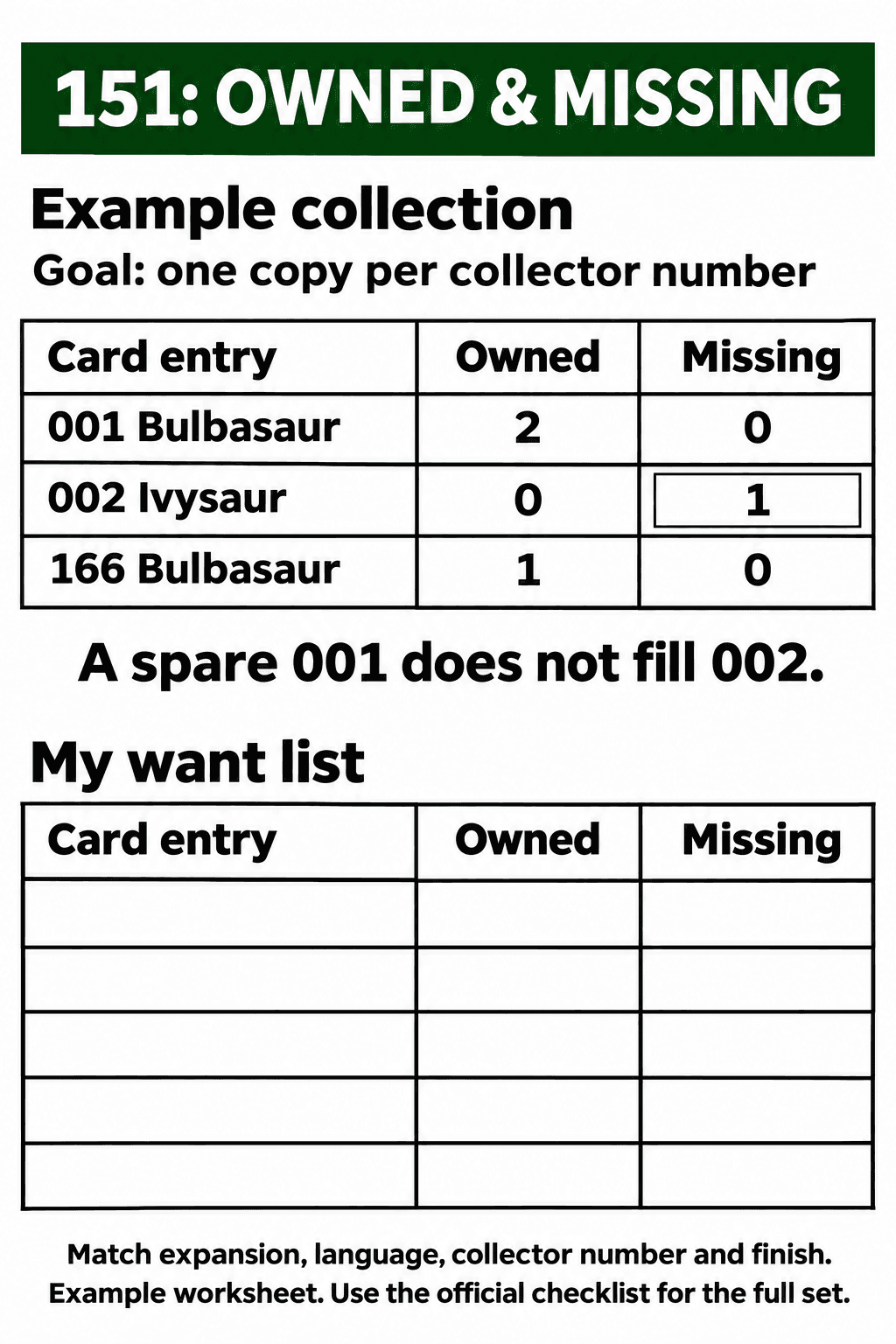
For English Scarlet & Violet 151, use the separate 151 card-list and checklist guide. The Lost Origin example here does not establish which finishes belong to a 151 entry.
When the simple artwork-versus-background rule is incomplete
A full-art card does not preserve the same small artwork-window layout. CGC describes full-art designs as artwork extending across the card. For those cards, and for an older treatment you have not confirmed, stop at a visual description instead of forcing a regular-holo or reverse-holo label.
There can also be an expansion-specific clue. In its Shrouded Fable announcement, Pokémon describes a parallel-foil pattern surrounding the artwork. It says that expansion's parallel-foil cards have a white expansion-code box with black text at the bottom left, rather than the usual black box with white text.
That code-box check belongs to Scarlet & Violet: Shrouded Fable in this example. Do not turn it into a rule for every series, language, or older card.
If you are unsure, leave a note: “Foil visible around artwork; finish unknown; check this expansion's parallel version.” That keeps the observation available for review.
Photograph the finish so another person can review it
For a reviewable record, try two reference photos:
- An identification view: keep the whole front in focus, including the card name, printed number, and expansion details.
- A finish view: keep the card flat and change the camera or light angle a little so the artwork window and surrounding foil can be compared. Do not bend the card to make it reflect.
Keep both views with a note about the area that reflects light. If glare hides the number or the foil boundary, retake the photo. These are documentation suggestions; neither a single photo nor this pair guarantees a finish identification or proves authenticity.
Record two finishes without erasing a real card
Use separate rows for finishes you have checked, even when the expansion and printed number match. Here is a fictional collection worksheet, not an app screenshot or a report of real holdings. The card entry and available foil/parallel options come from the Lost Origin checklist, entry 003; the quantities, locations, and observations below are invented examples.
| Expansion / language | Card / printed number | Observed finish | Quantity | Physical location |
|---|---|---|---|---|
| Lost Origin / English | Vileplume / 003 | Holo; artwork-window foil checked | 1 | Binder A, page 2, pocket 1 |
| Lost Origin / English | Vileplume / 003 | Reverse holo; surrounding foil checked against parallel option | 1 | Binder A, page 2, pocket 2 |
The two rows describe two physical copies with different finish observations. Deleting one as a duplicate would erase a card from this example inventory. If the second card's finish were unresolved, keep its quantity and location but change the finish to “unknown, needs review.”
Before merging a likely duplicate, put the candidate records beside the physical cards. Compare expansion, language, printed number, finish, and photo evidence. Are both records for one physical card? Correct the duplicate record. If there are two cards, check their finishes before combining quantities. A matching number alone does not make that decision.
For the wider binder and location system, use how to organize Pokémon cards.
If you want a photo-based archive, Folidx's TCG card binder page describes private, editable records, binder/page locations, and likely-match checks. Its duplicate check is a helper signal, not a guarantee. Review the physical finish yourself; this guide does not assume Folidx recognizes every holo variant or supplies a dedicated finish checklist.
Start with one card you own. Confirm its printed details, note the finish or mark it unknown, and keep its physical location with the record. You can also use the worksheet without Folidx.
Questions about rarity and price
Is reverse holo a different rarity symbol?
Keep the finish and the printed symbol as separate observations. The same printed details can appear with different finishes, as CGC's Ninetales examples demonstrate. Use the expansion's checklist to establish the options for your card.
Is holo always worth more than reverse holo?
Do not assign a price premium from the finish label alone. Once you have identified the version, follow how to check Pokémon card values for the separate price-checking task. This comparison supplies no market-price estimate.
Does identifying the finish establish a grade?
No. A finish observation is not a condition grade or an authentication decision. The separate card grading guide explains that process. Keep any grade field unassigned unless you have a basis for it beyond this finish check.
Sources
- CGC: Understanding Pokémon Rarity Symbols and Card Features, framed holo/reverse-holo examples and full-art layout.
- Pokémon: English Sword & Shield: Lost Origin checklist, page 1, finish legend and Vileplume entry 003.
- Pokémon: Shrouded Fable announcement, parallel-foil pattern and expansion-code box for that expansion.
- Folidx: TCG card binder, editable records, locations, and the limits of likely-match checks.
About the author: The Folidx team writes guides to documenting collections and using Folidx.